

iPhone VPN settings: How to stay private on iOS
Protecting your data with a decentralized VPN beyond default iOS settings

共有
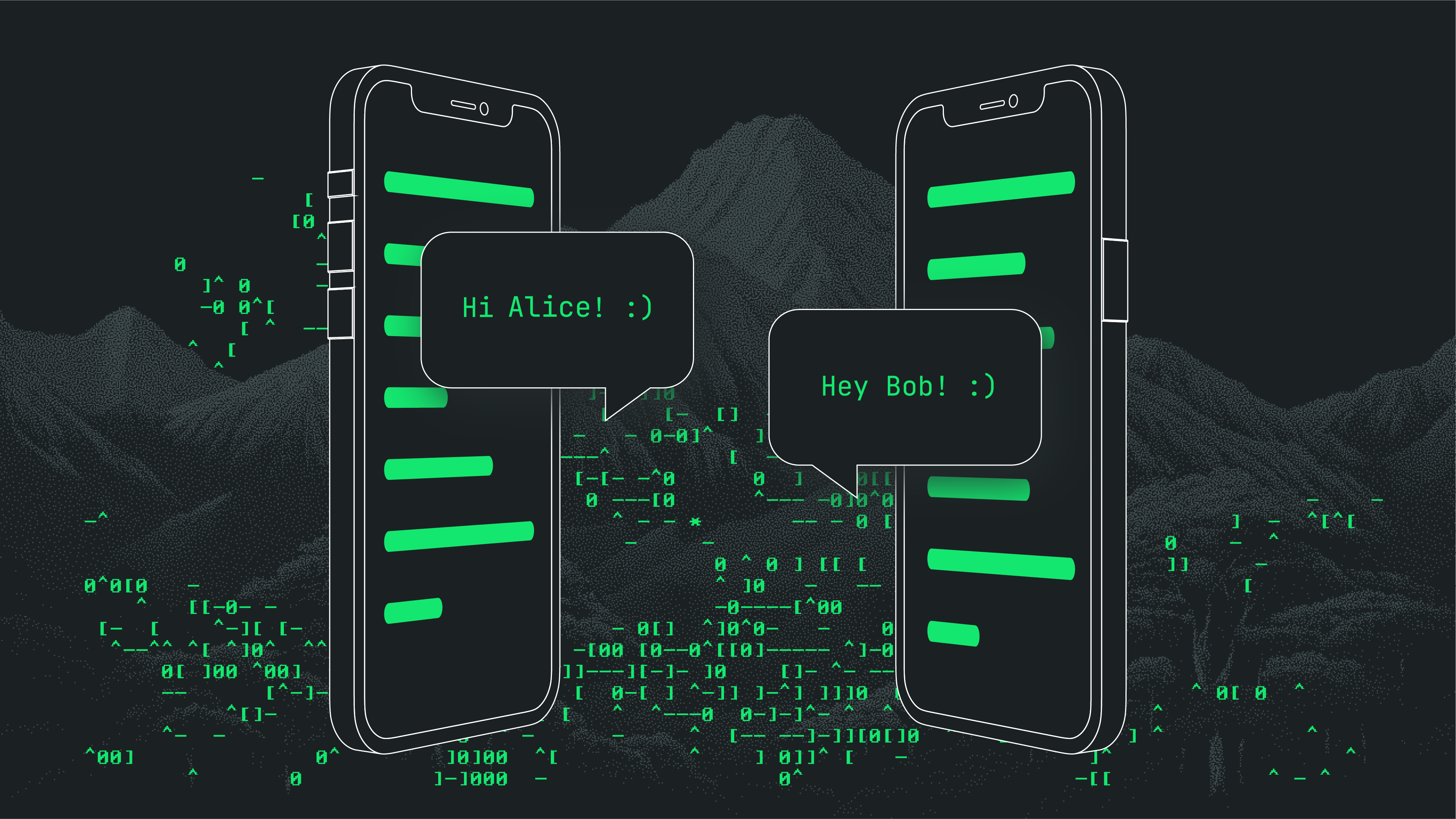
The iPhone is often marketed as a “secure” device — but that doesn’t mean your data is private. By default, Apple still logs IP addresses, app usage, and network metadata that can be accessed by apps, third parties, and even governments under the right legal conditions.
If you're concerned about digital privacy, setting up a VPN on your iPhone is one of the most important first steps you can take. But not all VPNs (or default VPN settings) are created equal, and the built-in tools on iOS don’t go far enough.
This guide breaks down how to configure VPN on iPhone, what the key settings mean, and why a decentralized VPN like NymVPN offers stronger protection.
What is a VPN on iPhone?
A VPN (Virtual Private Network) routes your internet traffic through an encrypted tunnel, hiding your IP address and preventing your ISP or local network from seeing your activity.
On an iPhone, this can protect you when you're:
- Browsing over risky public Wi-Fi
- Using apps that track your location
- Accessing censored or geo-restricted content
- Logging into sensitive accounts from mobile networks
However, while iOS offers VPN configuration settings, it doesn’t anonymize your metadata by default. Most VPN providers can still see your traffic unless you trust them implicitly.
How to set up VPN on iPhone: Step-by-step
There are two main ways to use a VPN on your iPhone:
1. Using a VPN app (recommended)
Most people download a VPN app from the App Store. With NymVPN for iOS, setup is simple:
- ダウンロード NymVPNアプリ (またはお好みの別のVPN)
- Open the app, create your anonymous access code or log in
- Choose a plan for up to 80% off
- Tap “Connect” to enable encrypted, anonymous browsing and communications
This is the easiest and most user-friendly method — and with NymVPN, you also get metadata privacy via decentralized mixnet routing.
2. Manual VPN configuration on iOS (advanced users)
To manually set up a VPN on your iPhone:
- Go to Settings > General > VPN & Device Management > VPN
- Tap Add VPN Configuration
- Choose a protocol: IKEv2, IPSec, or L2TP (WireGuard requires third-party apps)
- Enter your VPN server details (address, remote ID, authentication info)
- Tap Done
- Toggle the VPN switch to connect
This method works for custom VPN setups or enterprise configurations, but it requires you to trust your VPN provider with metadata.
Key iPhone VPN settings to know
- Auto-Connect: Enables VPN automatically on unknown Wi-Fi networks
- On-Demand: Only activates VPN for specified domains or apps
- Kill Switch: Not enabled by default—use a VPN app that offers this feature
- Split Tunneling: Not available in iOS natively; third-party VPNs like NymVPN may support it in future
Be aware: iCloud Private Relay is not a VPN and does not offer full traffic protection. 詳細については、Nymのガイド「プライベートリレーとVPNの比較」をご覧ください。

Why NymVPN goes beyond typical iPhone VPNs
Traditional VPNs encrypt your traffic, but they still know your IP address, DNS queries, and usage patterns. In contrast, NymVPN is built for anonymity.
When you use NymVPN on iOS:
- Your traffic is routed through a decentralized Noise Generating Mixnet, not a single server
- IP address and metadata are obfuscated, protecting you from profiling and surveillance
- No trust in a central provider is required
- No logs, no tracking, no backdoors
Whether you're checking sensitive messages or escaping censorship, NymVPN ensures your iPhone usage remains private at the network level.
NymVPNが従来のVPNや分散型VPNとどのように異なるか、詳細をご覧ください。
How Nym's Noise Generating Mixnet works
Nym's Noise Generating Mixnet
Tips for maximum iPhone privacy
- Disable location sharing in apps that don’t need it
- BraveなどのプライバシーファーストブラウザやTorをご利用ください
- Avoid social media apps that harvest metadata—see how Facebook tracks you
- Combine NymVPN with encrypted messengers like Signal or Session for safer communication
VPN on iPhone: FAQs
AppleはVPNトラフィックを直接追跡しませんが、IPアドレスの変更やアプリのアクティビティをログに記録している可能性があります。 Using a decentralized VPN helps reduce these leaks.
No. Private Relayは、SafariおよびMailでのみIPアドレスを隠します。他のアプリからのトラフィックを暗号化したり、NymVPNのようなメタデータ保護を提供したりすることはありません。
Yes. NymVPN works as a standard app — no jailbreak required, no custom firmware needed.
WireGuard is fast and secure, but requires an app. IKEv2 is good for manual setup. NymVPN uses mixnet routing for a different, more anonymous architecture.
Some VPNs may. However, NymVPN’s optimized mixnet offers high-speed anonymity without sacrificing performance.
About the authors

Benjamin Nemeroff
Casey Ford. PhD
Technical reviewer