The core technology behind the Tor network
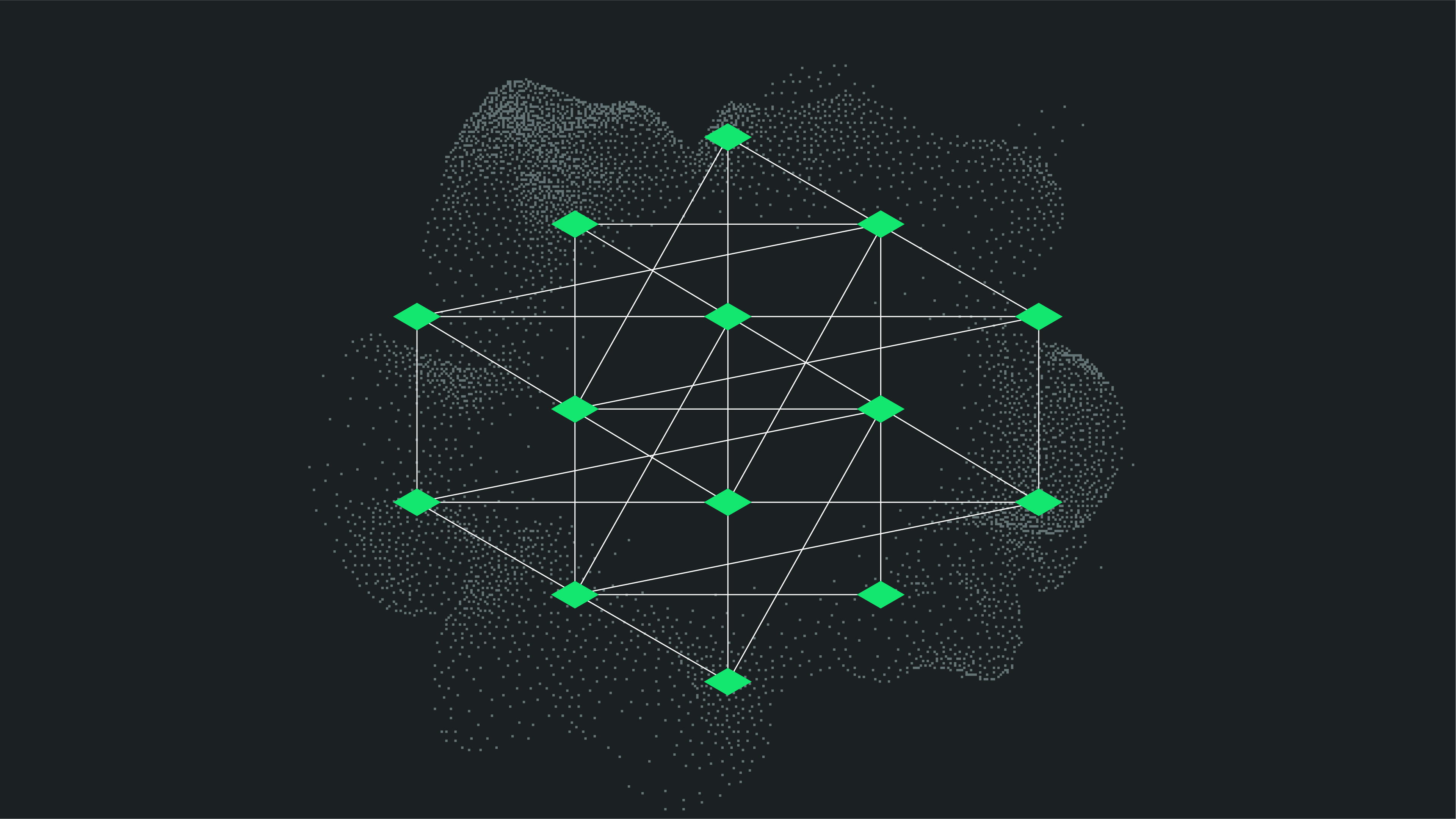
Tor works by sending your internet traffic through a network of thousands of volunteer-run relays. Each relay only knows the address of the relay before and after it. The multi-layered encryption that protects the content of your data along the way is where the name "onion" comes from.
Key features of Tor include:
- Multi-layer encryption for each relay
- Randomized path through three relays (or entry, middle, exit nodes)
- IP address obfuscation three times for anonymity
- No central point of failure
Note: Tor protects metadata like your location and identity, but it doesn’t encrypt the final connection between the last relay and the website. It is therefore important to ensure you are making a connection with default encryption like HTTPS.
People turn to Tor for many reasons, some for safety, others for freedom.
Common uses of Tor include:
- Bypassing censorship or geo-blocking
- Anonymous web browsing
- Accessing .onion sites (only available through Tor)
- Investigating sensitive topics privately
- Whistleblowing or secure communication
The key difference between the Tor network and a VPN (Virtual Private Network) is that while Tor provides protections through their browser app, a VPN is an app that protects all the traffic coming from your device. Both protect your privacy, but in different ways.
Here's how they compare:
Tor
- Routes through three random nodes
- Free, but often slower
- Focuses on anonymity, not speed
- Decentralized volunteer network
VPNs (Virtual Private Networks)
- Encrypt traffic between you and a VPN server, typically only one
- Often paid and faster
- Protects all apps on your device
- More ideal for streaming, downloads, and general browsing
Using a VPN with Tor
This is called Onion-over-Tor or Tor-over-Onion. The goal is to protect your IP address with a VPN before connecting with the Tor network so that surveillance can’t easily identify you are using Tor.
Note: Using a VPN in connecting with Tor will significantly slow down your connection and traffic.
How to install and safely use the Tor Browser
- Visit https://www.torproject.org/
- Click Download Tor Browser
- Choose your OS (Windows, macOS, Linux, Android)
- Install and open the browser
- Click Connect to join the Tor network
- Start browsing privately just like using any other browser, but much safer!
Note: Downloading files directly when using Tor can be risky. It can expose your identity to malicious parties online, or expose you to malware and hacking.
What to expect when browsing with the Tor Browser
There are some notable downsides to using Tor:
- Tor is slower than your regular browser due to relay routing
- Some websites may block Tor traffic or display CAPTCHAs
- Pages may look broken due to script blocking
- Streaming is sub-optimal or not possible
But it’s worth it if you value anonymity and resistance to surveillance.
NymVPN takes your privacy many steps further
Tor’s limitations
Tor isn’t a magic shield. While it hides your IP address and masks routing data, it can’t:
- Hide your activity from apps outside the browser
- Protect against malware
- Stop traffic monitoring if you use the same identity across services
Tor is best for sensitive browsing, not everyday use. It's slower and not optimized for streaming or logins. For daily privacy, a [decentralized VPN like NymVPN offers speed with strong protection.
How NymVPN excels over Tor
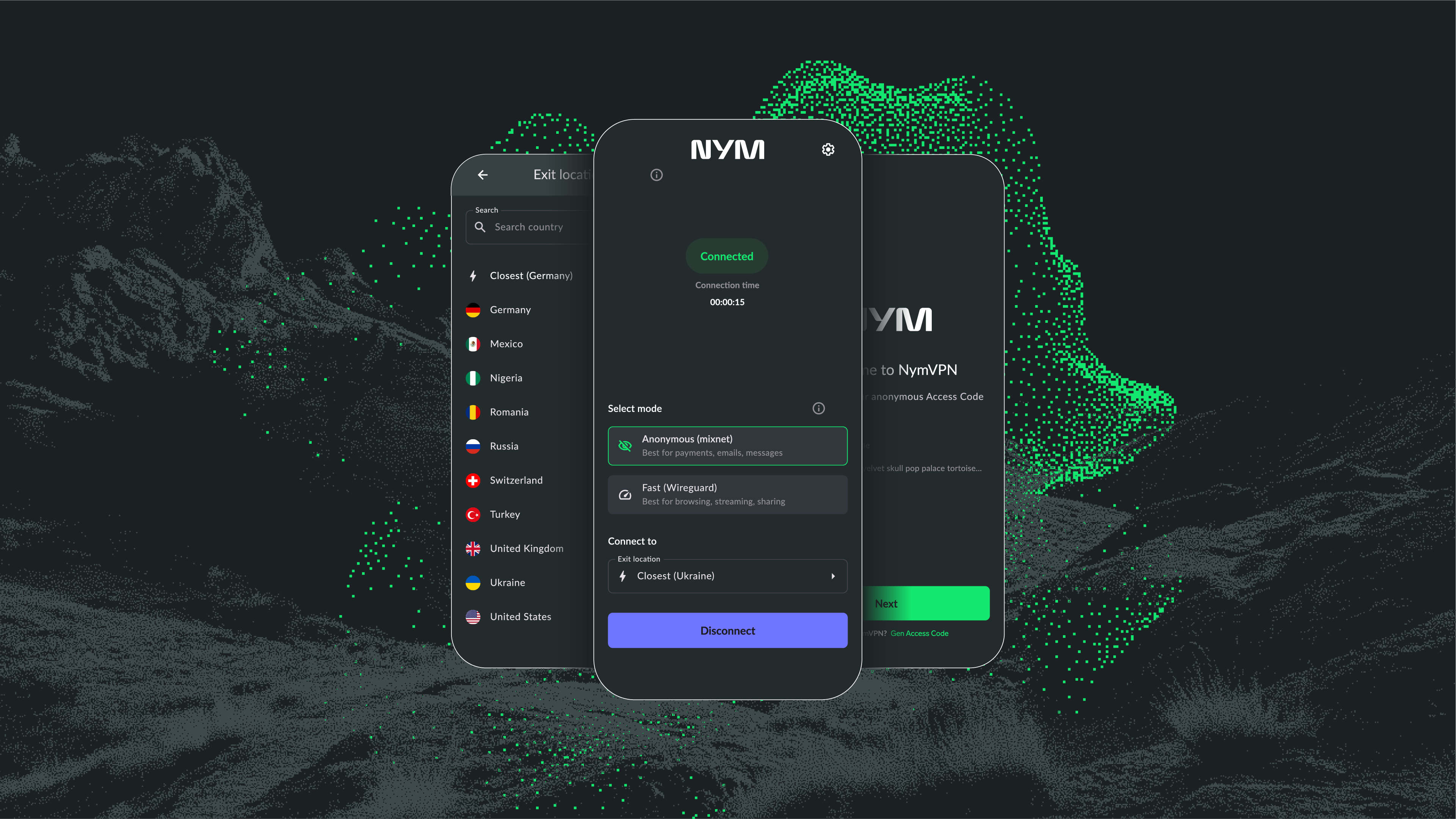
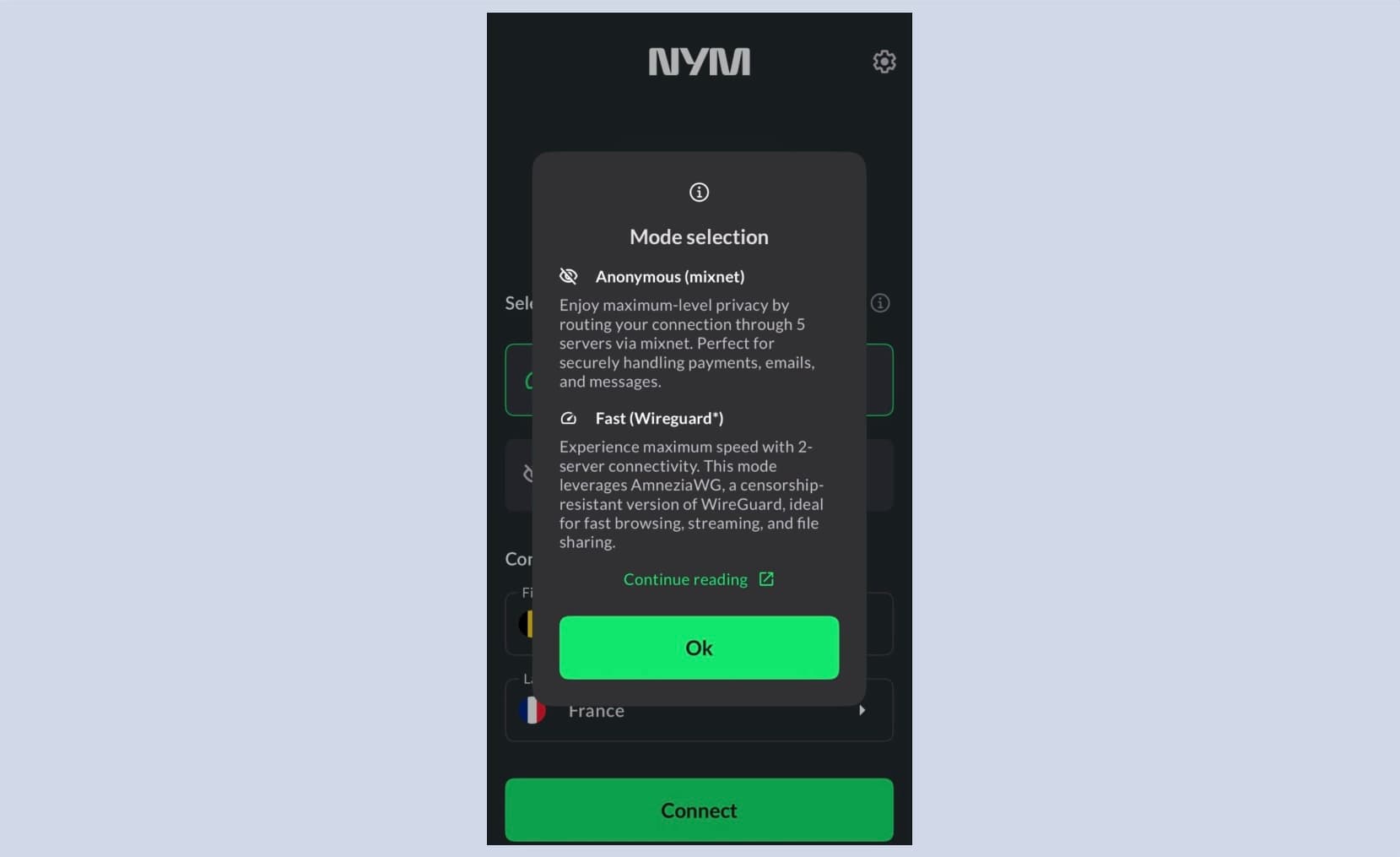
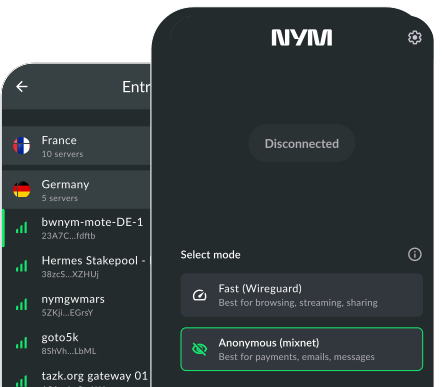
NymVPN offers an advanced alternative to Tor. You can choose between two modes:
- The Anonymous mode offers even more privacy protections than the Tor network, with 5-hop routing with added noise to fight surveillance
- The Fast mode offers much faster speeds than Tor without sacrificing decentralized protections
Whatever mode you use, all of your data and apps will be protected by NymVPN, and not just your browser activity.