

NymVPN v2026.16 is live
QR codes come to NymVPN, starting with free passes, plus stronger account security and clearer choices about what you share

Share
Versions: Android v2026.16 | iOS v2026.16 | macOS v2026.16 | Windows v2026.16.1 | Linux v2026.16
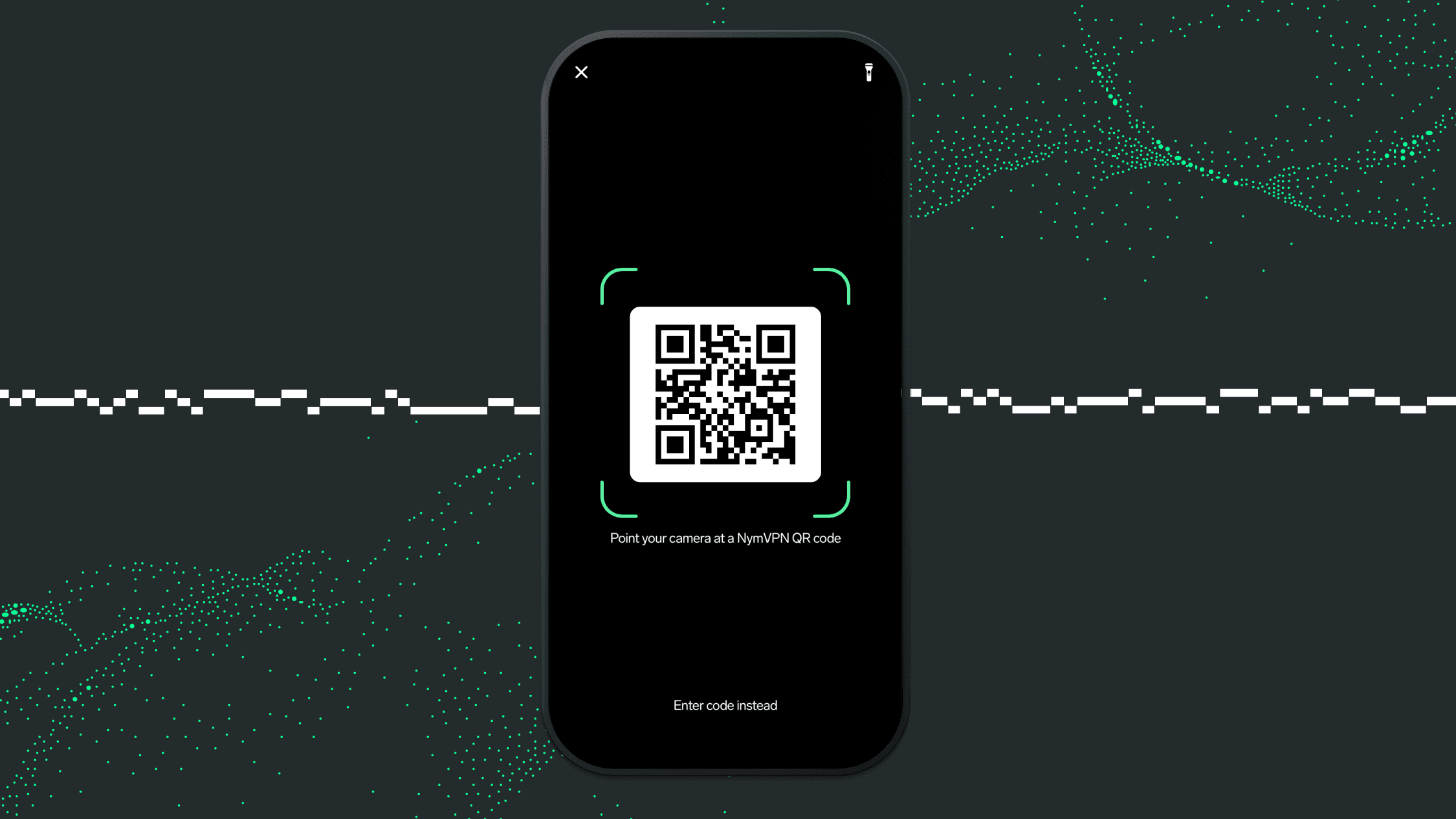
A free pass should be the easiest way to try NymVPN. With v2026.16, it's a scan away: point your phone at a free-pass QR code, or type the code, and the free time lands on your account.
Under the hood, this release strengthens your security: account changes on macOS now need your Mac's password or Touch ID, every app gets more device-level protections, and it's clearer about what info you can anonymously share with us to improve NymVPN.
Here's what's new:
- QR codes, starting with free passes: scan or type a code on Android and iOS (with more platforms on the way)
- A new free-pass page on nym.com: save your passphrase and download NymVPN in two steps
- Stronger account security: Touch ID or your password for account changes on macOS, plus security hardening across the apps
- Clearer privacy choices: improved data-sharing settings that explain what's shared
- Anti-censorship, renamed: improved feature explanations and clearer errors
- Faster wake-ups on iOS: your bridged connection reconnects quietly when your phone wakes
QR codes come to NymVPN
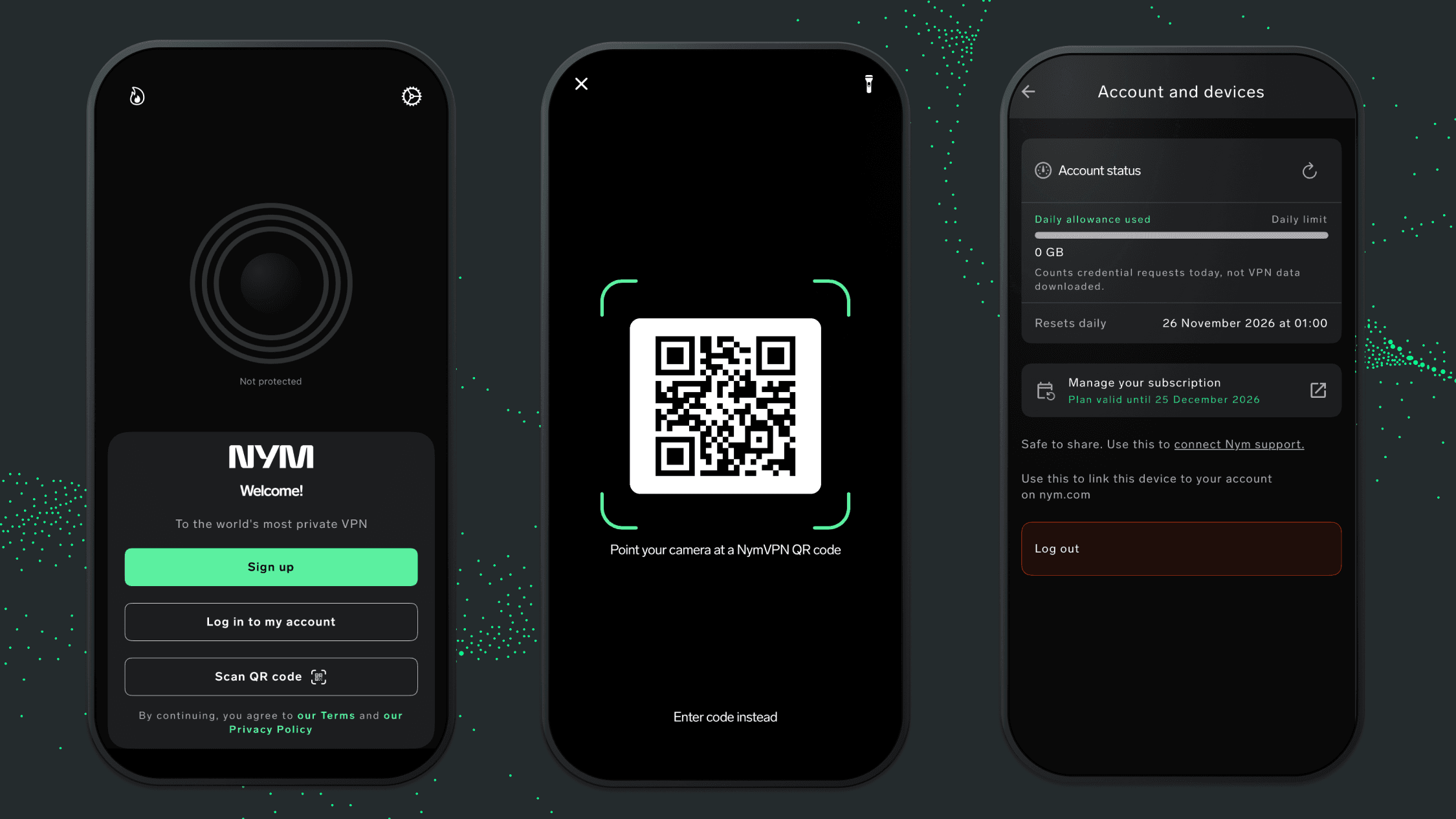
NymVPN now has a QR scanner built in, on Android and iOS. Free passes are the first thing it reads: the cards we hand out at events, the ones we share by email and social, and any free-pass link from nym.com. You can also type the code. Start from the welcome screen, the plan screen, or Settings.
- New to NymVPN? Redeeming from the welcome screen creates your account with the pass already applied
- Already signed in? The pass goes straight onto your account, with no second login
The same scanner is what comes next: adding a new device by scanning a code from one that's already signed in.
A new free-pass page on nym.com
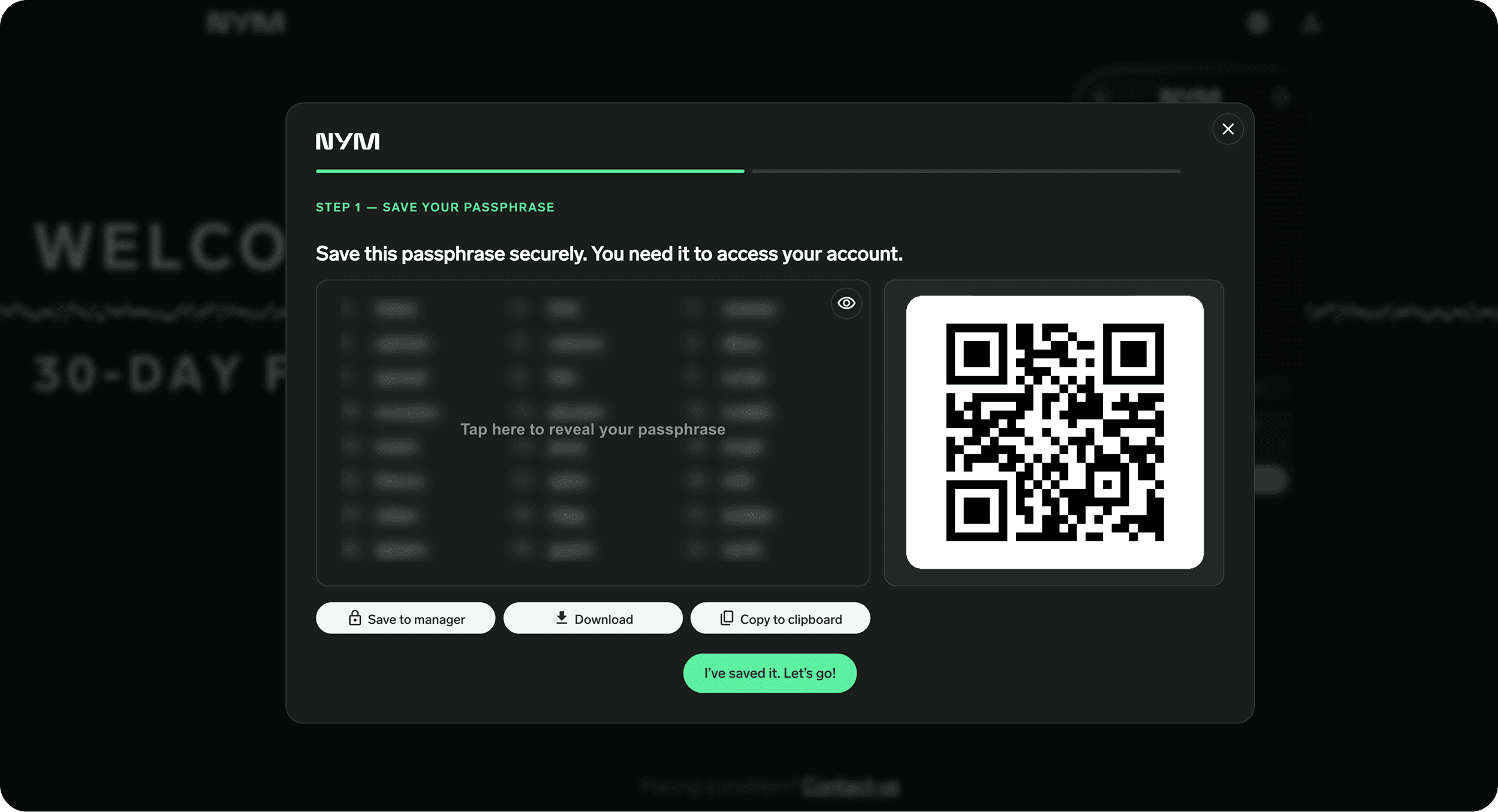
Not every free pass starts in the app. Open a free-pass link, or point your phone's camera at a free-pass card, and nym.com now walks you through it in two steps:
- Save your passphrase: it's how you get back into your account, so you can save it right there to your password manager, as a download, or by copying it
- Download NymVPN: pick your device, from iOS and Android to macOS, Windows, and Linux
Your pass is only used when you click Start your free pass. Already have an account? Log in first, and the pass goes onto that account instead.
Touch ID for account changes on macOS
On macOS, signing in or out, deleting your account, and showing your recovery phrase now ask for your Mac's password or Touch ID.
Every platform also gets a round of security hardening, part of ongoing work to protect what NymVPN stores on your device.
Clearer choices about what you share
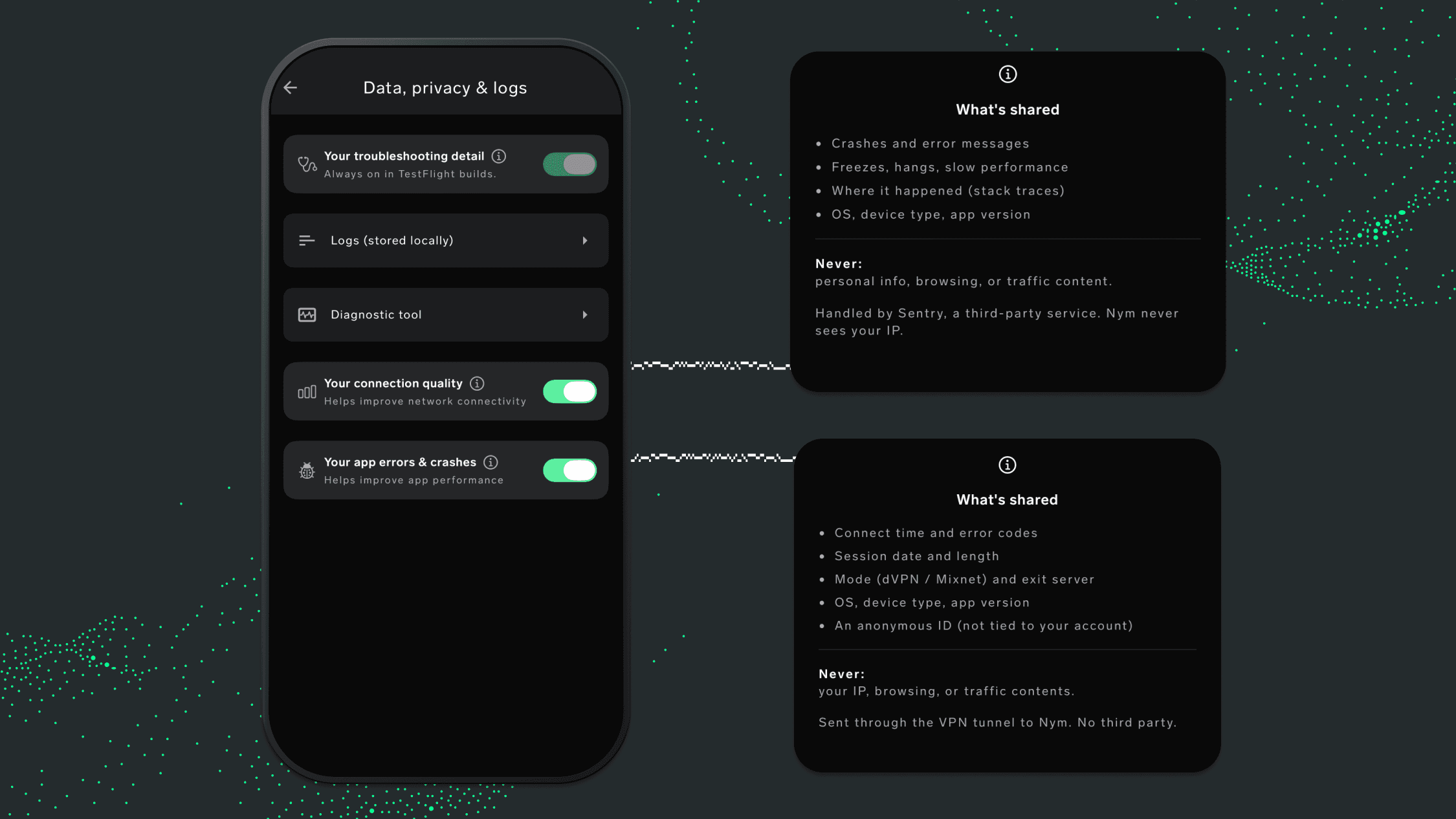
Onboarding and Settings now ask whether to share the same two things: Your connection quality and Your app errors & crashes. Each has a What's shared popup that spells out what's collected and what never is. On a fresh install of the iOS and Android apps, both start off.
On iOS, debug logging is now Your troubleshooting detail, with a sheet explaining it.
Disguise your traffic, on every platform
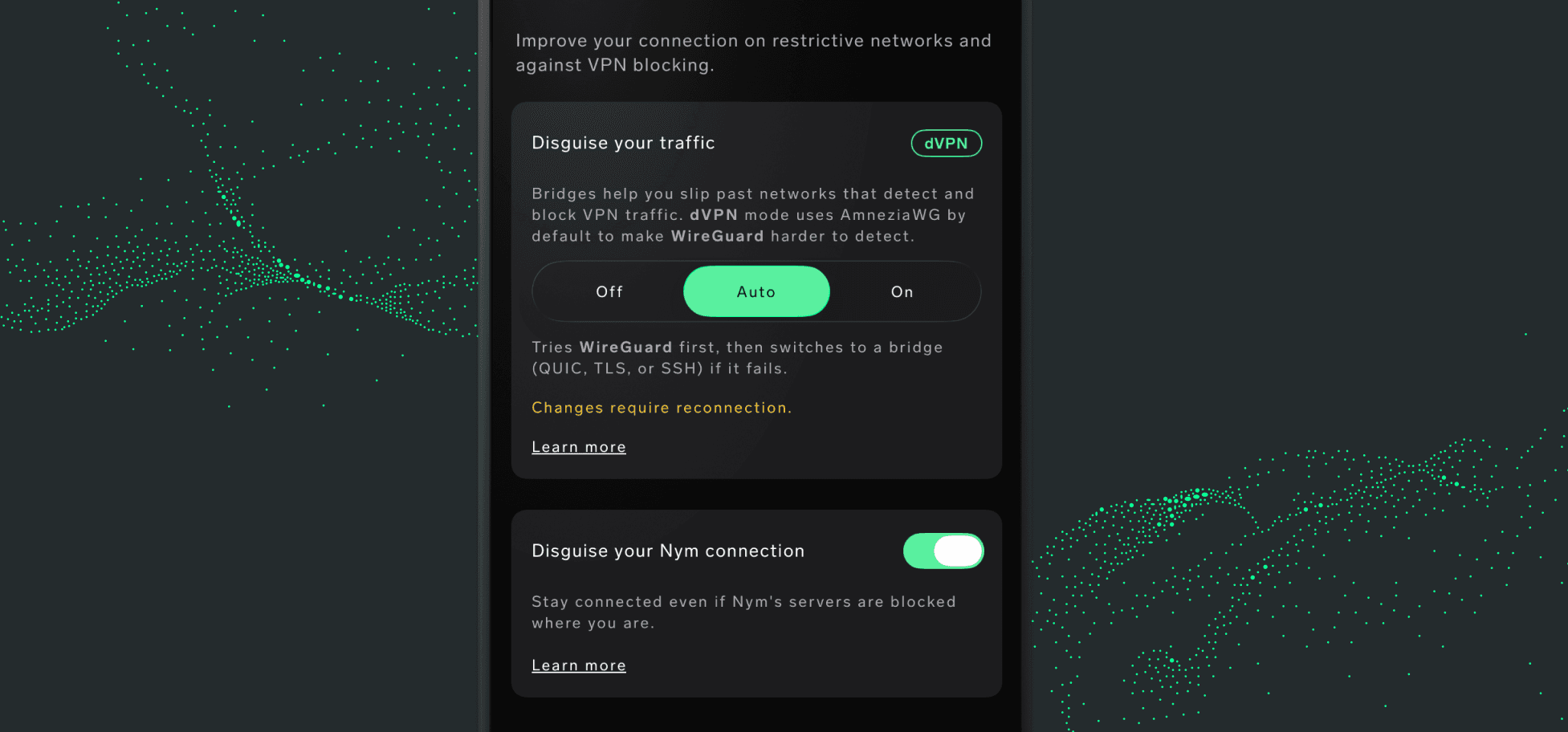
On a censored network, these settings decide whether you get online at all, so we've simplified and explained them clearly so everyone knows what they do:
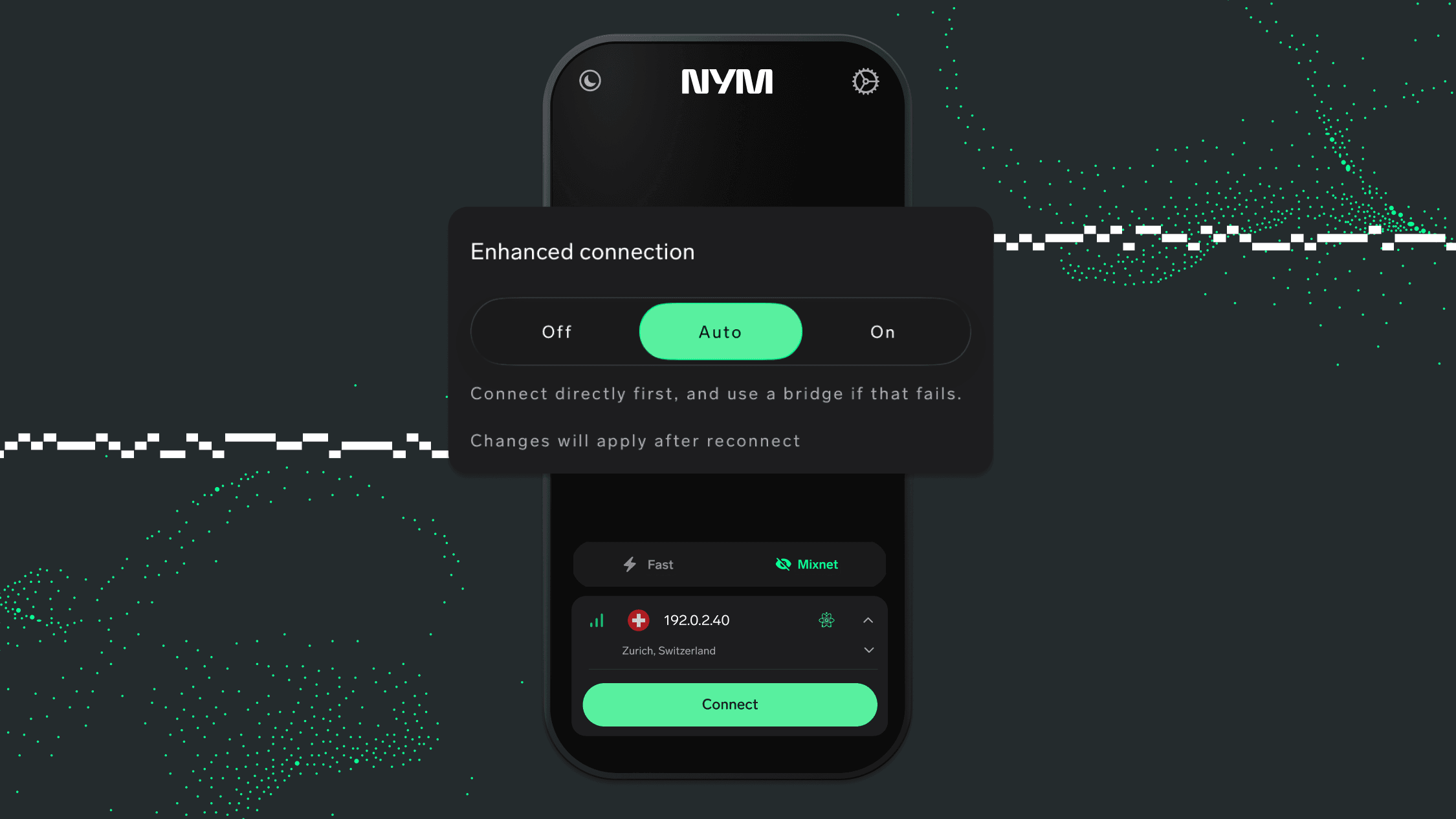
- Disguise your traffic is the bridge setting from v2026.15 (previously Enhanced connection), with the same Off, Auto, and On choices. It gets your dVPN connection through networks that block VPNs. Your app can now try three kinds of bridge: QUIC, TLS, and SSH. It starts with QUIC and falls back to TLS and SSH if QUIC doesn't connect.
- Disguise your Nym connection keeps the app talking to Nym's servers even where they're blocked
If your entry server has no bridge, On now tells you so and suggests another server, and Auto connects directly instead of failing.
Faster wake-ups on iOS
When your phone wakes, NymVPN now quietly reconnects your bridge in the background, so you're back online without a visible reconnect. If that doesn't work, it falls back to a normal reconnect.
Smaller updates
- Split tunneling: the settings now make clear that excluded apps' DNS lookups go through NymVPN on desktop and macOS (unless the app uses its own DNS), and directly on Android
- Android: a faster server list, built in the background, with smoother search
- Linux: a refined NetworkManager plugin, now published as a
.debwith each release, and the same systemd service for nym-vpnd across the Debian and AUR packages
Bug fixes
- iOS: you can no longer buy a plan over another account's Apple subscription; the plan screen explains why and opens Apple's subscription settings
- Windows (v2026.16.1): NymVPN's bundled components are now signed for Windows 11 Smart App Control, which had been stopping the NymVPN service from starting
Vote on what comes next
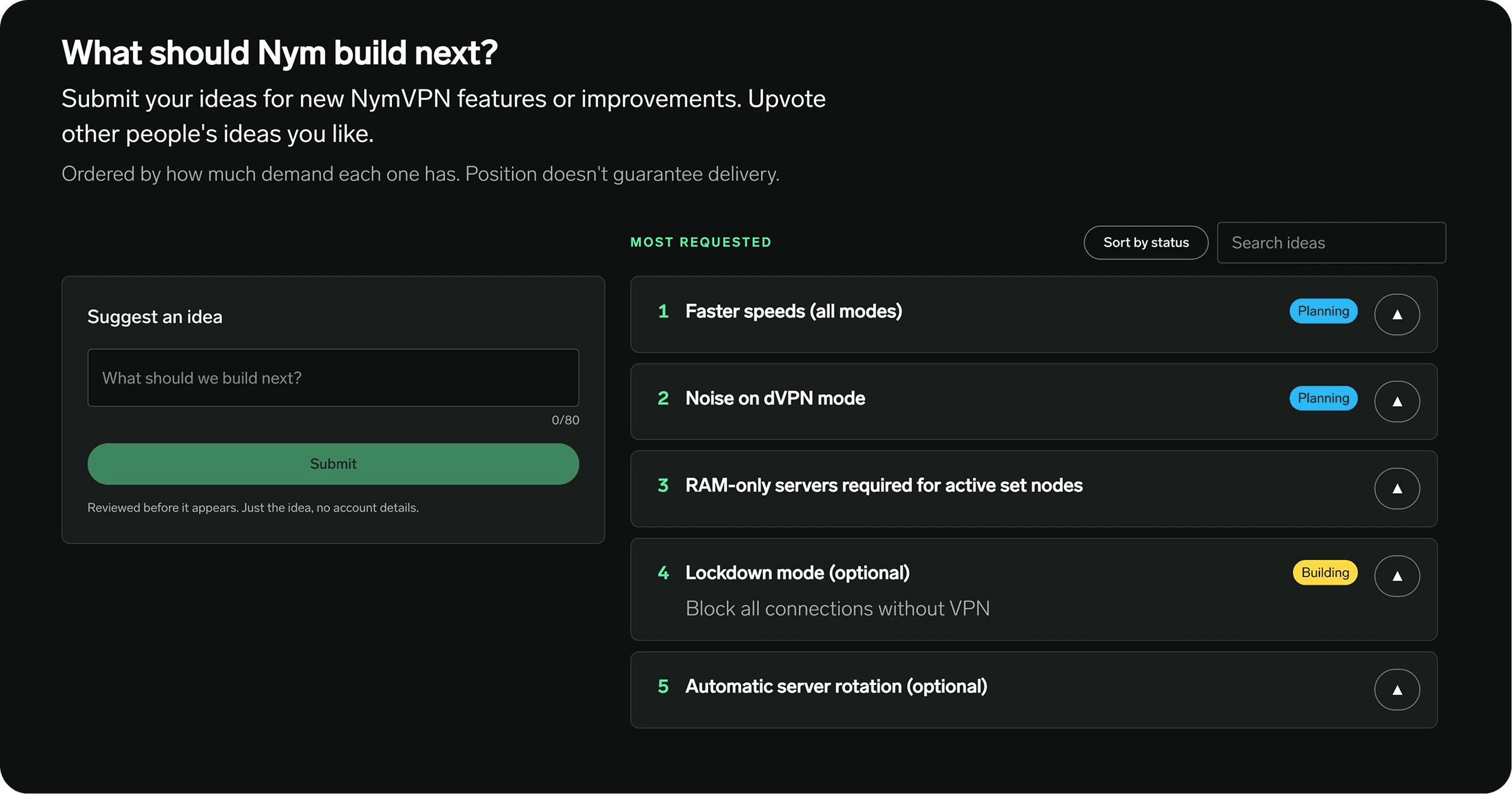
The NymVPN roadmap lives on nym.com, and you can help set it. Vote for the features you want most and submit ideas of your own. The ones with the most support rise to the top.
The roadmap now reflects what the people using NymVPN actually need, so tell us what to build.
What's next for NymVPN
The next release is close behind. Coming soon:
- Add a device with a QR code: sign in a new Android or iOS device by scanning a code from one that's already signed in
- A redesigned connect button that shows what your connection is doing
- Exclude servers and countries you don't want from the server list and connection algorithms
- Further out: an optional lockdown mode on desktop that blocks every connection whenever the VPN isn't active
About the authors
Nym Core Team
Nym teamTable of contents
Keep Reading...
NymVPN v2026.15 is live
Bridges get you through networks that block VPNs, alongside longer battery life, steadier connections, and more control over your account.
Nym is building a private internet without walls
NymVPN’s 2026 roadmap for censorship resistance and resilient online privacy for all

Future-proofing privacy: Nym's roadmap to post-quantum security
Building the encryption strengths people need for the world to come
Nym’s roadmap for 2026: Unlocking the power of decentralization
Revitalizing the $NYM token, improving the mixnet, and taking decentralization to the limit