How to delete search history (for good)
Protecting privacy on your devices

分享
Your search history reveals a lot about you: your interests, habits, and especially personal information. In this guide, we’ll explain how to delete your search history across different platforms, clear your browser history, and stop Google from tracking your activity.
Unfortunately, your search history is not just stored on your browser where you can choose to delete it. Search engines, browsers, and social media platforms also store this data, which can be used for targeted advertising, tracking, or even accessed by unauthorized parties. So protecting your online privacy requires much more than regularly clearing your own history.
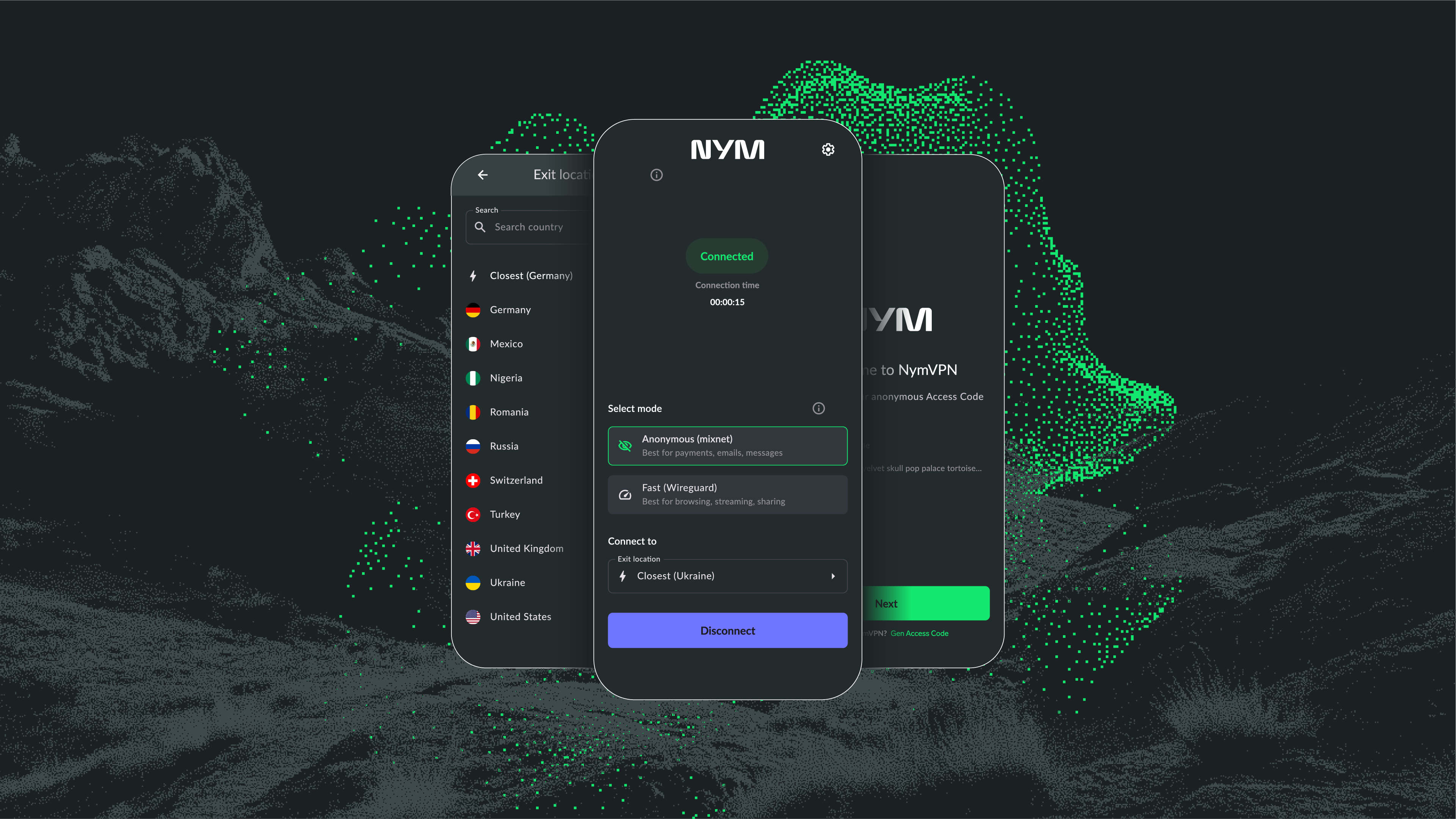
Deleting your search history from your browser is a good step, but it doesn’t stop websites, ISPs, and trackers from logging your online activity. With NymVPN you can ensure your searches stay private by encrypting your internet traffic and hiding your IP address.

Why is it important to delete search history?
Protects your privacy: Prevents third parties from accessing your personal search history stored on your browser.
Improves security: ]Reduces the risk of personal data exposure from browser tracking and fingerprinting or account breaches.
Avoids embarrassment: Removes past searches you don’t want others to see.
Reduces targeted ads: Prevents advertisers from using your search history to serve personalized ads
How to clear your Google search history
Google tracks search history across devices, including desktop and mobile. Here’s how to delete it:
- Open the Google Search app
- Tap your profile picture in the top-right corner
- Select Search History
- Choose Delete > Delete all time (or select a specific time range)
- Go to Google My Activity
- Click Web & App Activity
- Select Manage all Web & App Activity
- Tap Delete activity by and choose a time range or select All time
How to clear your browser search history
- Open Chrome and click the three-dot menu
- Select History > Clear browsing data
- Choose a time range and check Browsing history
- Click Clear data
- Open Safari and tap Settings
- Scroll to Clear History and Website Data
- Select a time range and confirm deletion
- Open Firefox and tap Menu > History
- Select Clear recent history
- Choose a time range and check Browsing & Download History
- Tap Clear now
- Open Edge and click the three-dot menu
- Select Settings > Privacy, search, and services
- Under Clear browsing data, select Choose what to clear
- Select the history data and click Clear now
- Open Opera and tap Menu > History
- Select Clear browsing data
- Choose a time range and tap Clear data
- Bing: Go to Bing Search History and click Clear history
- Yahoo: Visit Yahoo Search History, select searches, and delete them.
Brave is a privacy-focused browser that blocks trackers and ads by default — but that doesn’t mean it never keeps browsing history locally. If you want to delete your search and browsing history in Brave, here’s how:
-
Open Brave and click on the three horizontal lines (hamburger menu) in the top-right corner.
-
Select History, then click Clear browsing data on the left sidebar.
-
In the pop-up window, choose a time range — select All time if you want everything gone.
-
Check the boxes for Browsing history, Cookies and other site data, and Cached images and files.
Click Clear data.
Pro tip: If you’re using Brave Search, your queries aren’t tracked or stored in the first place. But for any browsing you do on other search engines or sites, clearing your local history regularly is still a smart move.
How to clear your social media search history
- Open Facebook and tap your Profile
- Select Activity Log > Search History
- Tap Clear searches
- Open Twitter and go to the Search bar
- Tap Recent searches > Clear all
- Open TikTok and go to Settings & Privacy
- Tap Clear search history
- Open Instagram and go to Settings
- Tap Security > Clear Search History
Set up Auto-Delete for Google history data
Google allows users to set up automatic history deletion:
- Visit Google My Activity
- Select Auto-delete (On) under Web & App Activity
- Choose a time frame (e.g., 3, 18, or 36 months)
- Confirm Auto-delete activity
How to stop Google from tracking you
- Turn off Web & App Activity in Google settings
- Use Incognito Mode for private browsing
- Install an alternative privacy-focused browser like Brave
- Use a decentralized VPN (dVPN) to mask your IP address and metadata
Can I permanently delete browsing history?
While you can delete search history from browsers and Google accounts, ISPs, websites, and governments can and actively are tracking your online activity. For better anonymity, be sure to take extra measures to protect your personal information and activities
Additional protections for your search history
- Use VPNs with advanced privacy protections like NymVPN
- Regularly clear cookies from your browser
- Use an **ad-blocker **and malware blocker
- Use privacy-focused browsers like Brave
- Use encrypted search engines like DuckDuckGo
How does NymVPN protect my search history?
In order to prevent third parties like ISPs or websites from keeping records of your personal online activities, you need to unlink your web traffic from your IP address. This is one of the primary functions of a VPN. However, traditional VPNs are centralized and vulnerable to network surveillance which can connect what you do with your IP even while using a VPN.
With NymVPN's decentralized design, you can better protect your online activities from advanced AI-driven surveillance. Learn more about how NymVPN works to provide the most secure VPN technology available.
总结
Deleting your search history improves privacy and security, but it’s not a foolproof method to erase all traces of online activity. Setting up auto-delete, using private browsing tools, and especially VPNs can further enhance digital privacy.
Deleting search history: FAQs
By default, Google stores search history indefinitely, but you can set it to auto-delete every 3, 18, or 36 months.
Yes, ISPs can see browsing history unless you use a VPN or encrypted DNS service.
No, TikTok search history is private unless your device is accessed by someone else.
Law enforcement can request access to search history through legal means, especially if stored on third-party servers like Google.
If you’re logged into the same Google account on multiple devices, search history syncs across them.
- Google and other search engines
- ISPs (unless using a VPN)
- Advertisers tracking cookies
- Anyone with access to your device
Even after clearing your search history, your ISP and third-party trackers may still be collecting data on you. Take control of your privacy with Nym VPN, which ensures your browsing activity remains confidential — even from your internet provider.


关于作者

Benjamin Nemeroff

Casey Ford 博士(PhD)
技术审核员目录
继续阅读...


What is Internet privacy & why you should care
Our privacy online is under threat, but there is a lot we can do to protect ourselves